print planner at home letter vs a4
How to Print a Planner at Home: US Letter vs A4, Scaling and Paper
Print planner pages at home without cut-off edges. Pick US Letter or A4, print at actual size, choose the right paper weight and go double-sided.
Quick answer: Print the file that matches your paper - US Letter (8.5 x 11 in) in the US and Canada, A4 (210 x 297 mm) in the UK and Europe - and set your printer to 100% or Actual size, not Fit to page. Use 24 lb (about 90 gsm) paper or heavier to reduce show-through, and print only the pages you need.
On this page
You hit print, and the planner pages come out a little smaller than expected. The margins look uneven, the bottom line is missing, and the holes you punched don't line up. Or the planner you bought is in A4, but the paper in your printer is US Letter.
Printable planner pages are one of the easiest ways to plan on paper, but a few printer settings decide whether your pages come out crisp or slightly shrunk with cut-off edges. Here's how to get it right the first time.
US Letter vs A4: what's the difference?
The two most common paper sizes look almost the same, but they aren't:
| US Letter | A4 | |
|---|---|---|
| Size in inches | 8.5 x 11 in | 8.27 x 11.69 in |
| Size in millimeters | 215.9 x 279.4 mm | 210 x 297 mm |
| Where it's standard | US, Canada, parts of Latin America | UK, Europe and most other countries |
A4 is about 6 mm narrower and about 18 mm taller than US Letter. A4 belongs to the ISO 216 A-series, where each size is half of the one before it, while US Letter comes from North American paper traditions. Both sets of dimensions are documented on the international paper sizes page by Markus Kuhn at the University of Cambridge.
Rule of thumb: print the file that matches the paper already in your printer.
Why printing the wrong size causes problems
If you print an A4 page on US Letter paper, the page is too tall to fit. Your printer either crops the bottom or shrinks the whole page to about 94% (Letter's 279.4 mm height divided by A4's 297 mm). Going the other way, a Letter page on A4 paper is too wide, so it shrinks to about 97% (210 mm divided by 215.9 mm).
A few percent sounds small, but on a planner it means narrower writing lines, uneven margins and boxes that no longer line up with a hole punch or a binder.
The one setting that matters most: print at 100%
In your print dialog, look for Scale or Page sizing and choose:
- 100%, Actual size or No scaling.
Avoid Fit to page, Shrink oversized pages or Fit to printable area for planner pages. These settings resize the page to fit your printer's margins, which slightly changes every box on the page. Then:
- Select the correct paper size in the printer settings (Letter or A4) so it matches the paper in the tray.
- Print one test page and check that nothing is cut off.
- Print the rest.
Choosing paper
Ordinary copy paper works, but planners get written on, erased and flipped through for months. Paper weight makes a real difference:
| US bond weight | Approx. metric weight | Good for |
|---|---|---|
| 20 lb | 75 gsm | Single-sided pages, testing layouts |
| 24 lb | 90 gsm | Everyday double-sided planner pages |
| 28 lb | 105 gsm | Gel pens and markers, less show-through |
| 32 lb | 120 gsm | Covers, dividers, pages you handle a lot |
These bond-to-gsm conversions follow the standard chart from Castle Ink. If you write with fountain pens or felt-tip markers, test one sheet before printing a whole year.
Double-sided printing and binding
- Double-sided: for portrait pages, choose flip on long edge. If your printer can't print both sides automatically, print odd pages first, put the stack back in, then print even pages. Do a two-page test first to check orientation.
- Print only what you need: monthly and weekly pages for the next quarter are enough to start. Print more as you go so your setup can change.
- Binding: a ring binder lets you add and remove pages, a disc-bound system lets you move pages around, and a simple clip or folder works if you only print one week at a time.
How our printable pages help
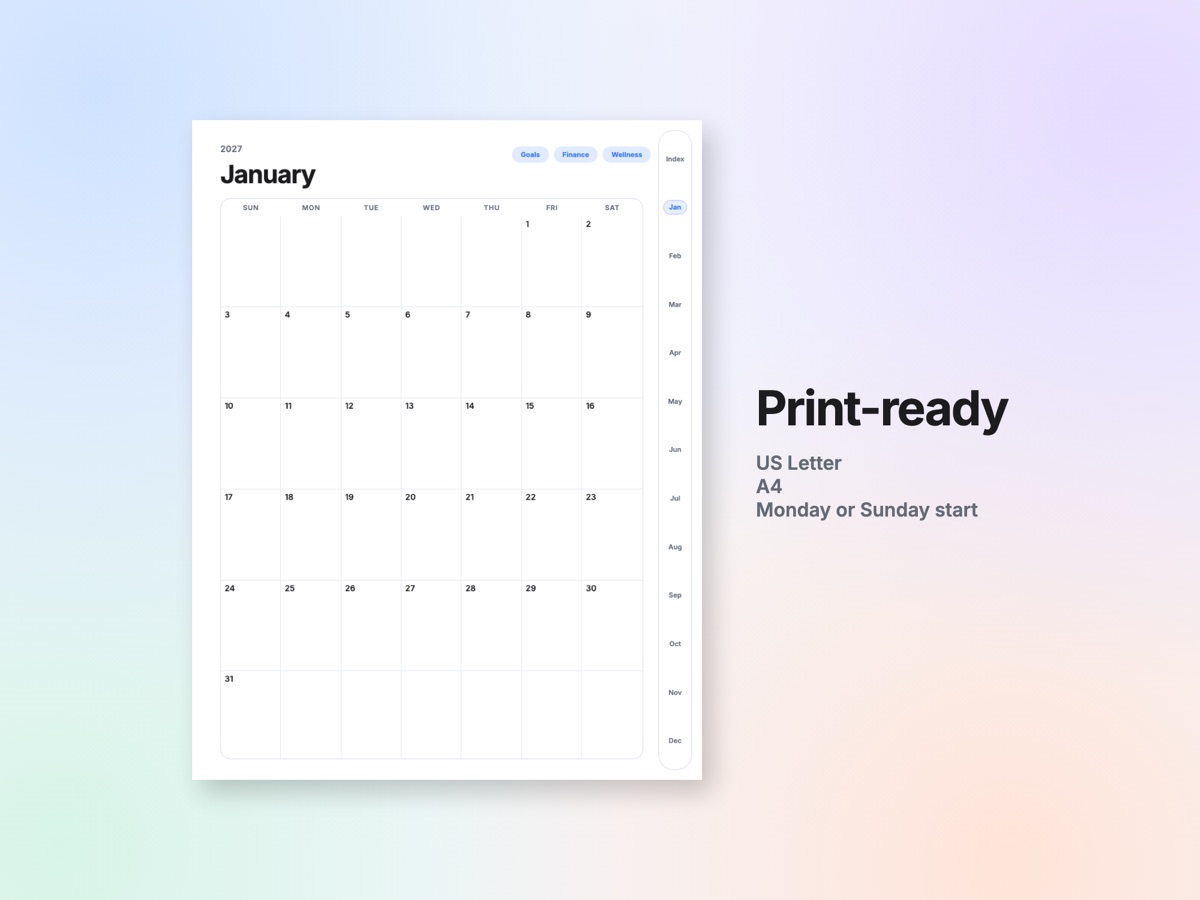
Our 2027 Digital Planner includes two print files with 165 pages each: US Letter (8.5 x 11 in) with weeks starting on Sunday and A4 (21 x 29.7 cm) with weeks starting on Monday. They cover the year, quarters, months, monthly goals, finance and wellness pages, Classic weekly pages, habit trackers, a vision board, projects, a year in review, a template library and notes. The print versions do not include the daily pages or the extra weekly layouts, which are in the digital planner.
If you'd rather print one page of each layout and make copies as you go, our undated Calm Day Planner includes 16 printable pages in US Letter and A4: one week, day, month and every tool page. Both are instant digital downloads, and nothing is shipped.
Not sure whether a dated or undated planner suits you? Read dated vs undated planners.
This post was drafted with the help of AI and reviewed by the Folio team. The planners it mentions were also designed with the help of AI tools and checked page by page. Printer menus differ by brand and app, so the exact names of settings may vary.
Questions people ask
Should I print a planner on US Letter or A4?
Use the size of the paper in your printer. US Letter is standard in the US and Canada; A4 is standard in the UK, Europe and most other countries. Many printable planners include both files.
What printer setting should I use for planner pages?
Choose 100%, Actual size or No scaling. Fit to page or Shrink to fit can resize the page slightly, which changes box sizes and margins.
What paper weight is best for printed planner pages?
Standard 20 lb bond (about 75 gsm) copy paper works, but 24 lb (about 90 gsm) or 28 lb (about 105 gsm) bond reduces show-through when you write on both sides.
Can I print an A4 planner on US Letter paper?
Yes, but A4 is taller than Letter, so the printer has to shrink it to about 94% or crop the bottom. Printing the matching Letter file gives a cleaner result.